
PromptPlanner
Turn notes and tasks into reusable prompt cards for AI tools. Organize, schedule, and track prompts locally on Mac.

Overview
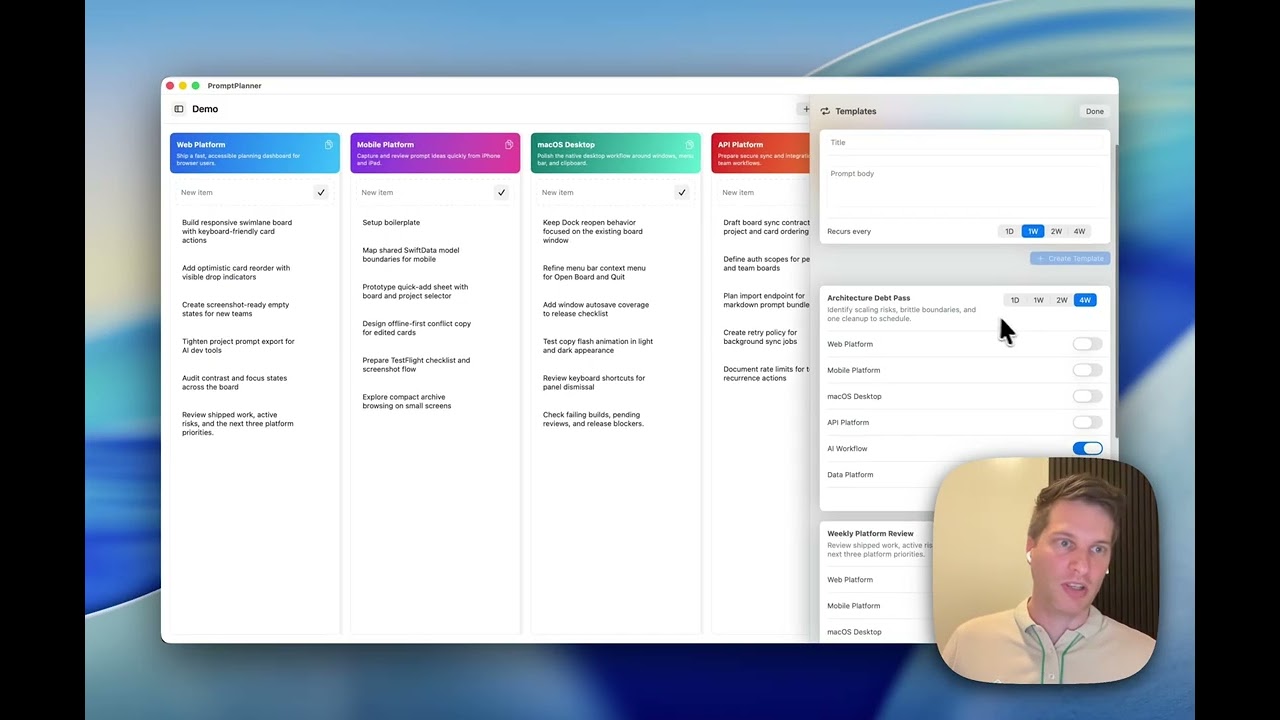
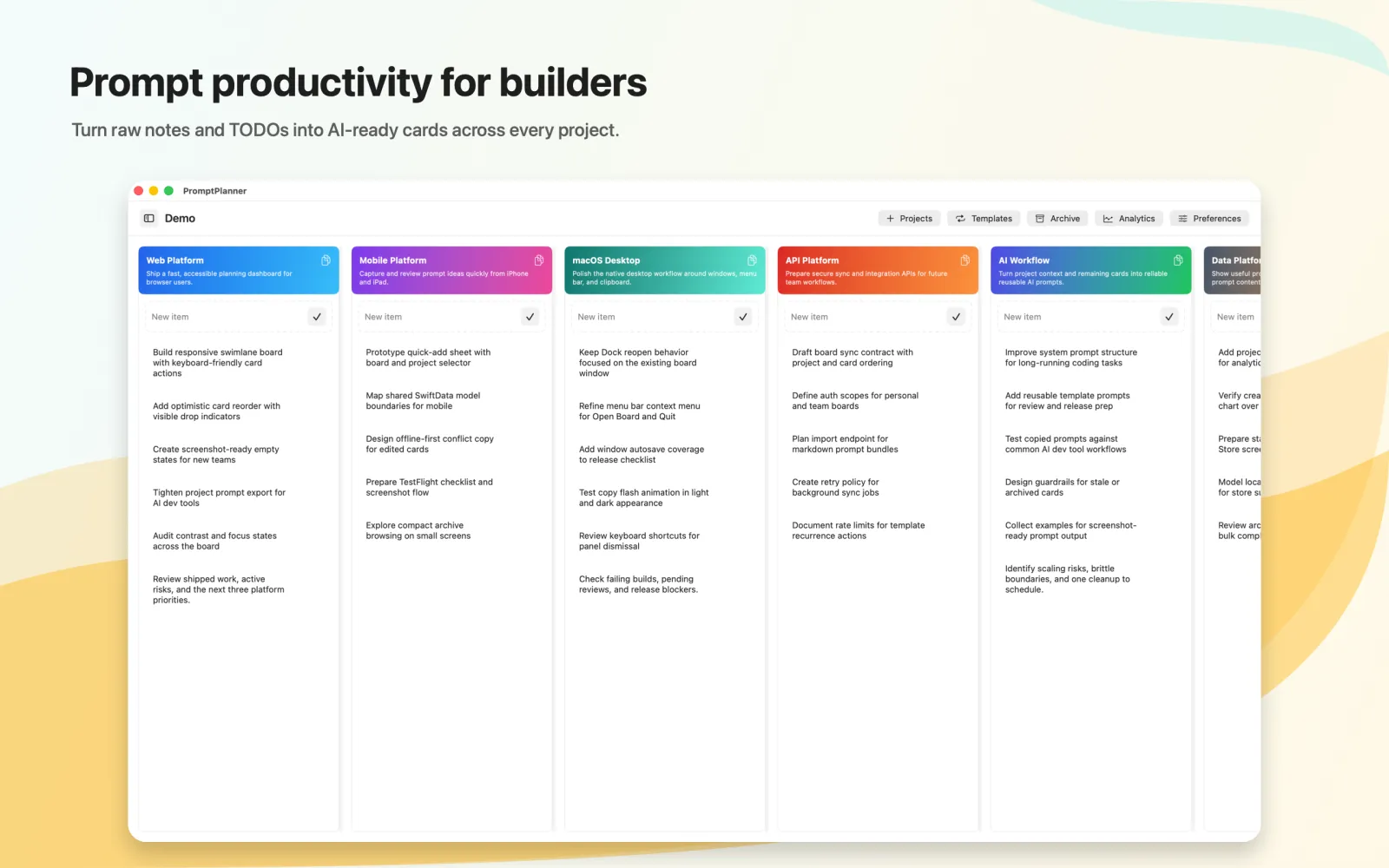
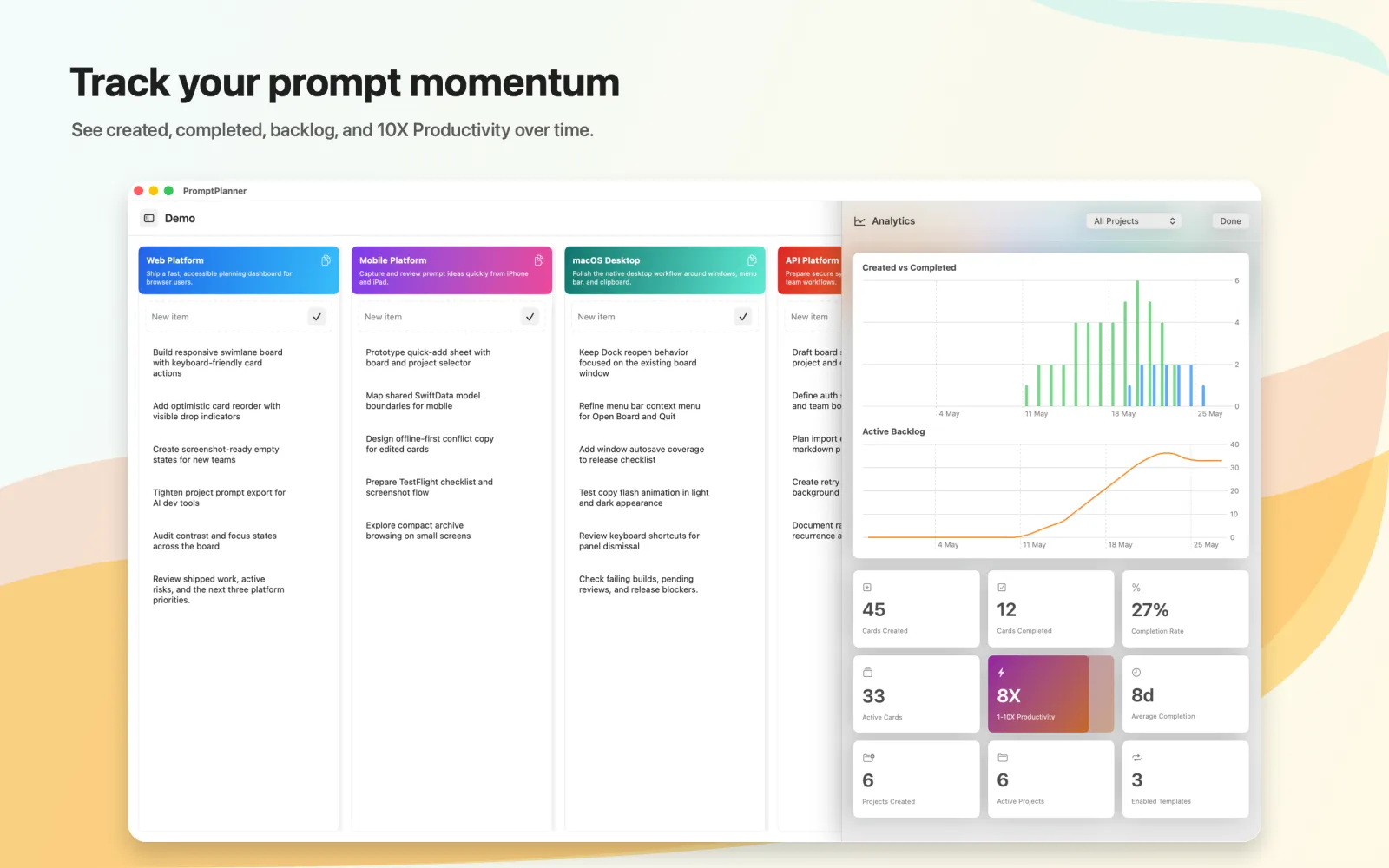
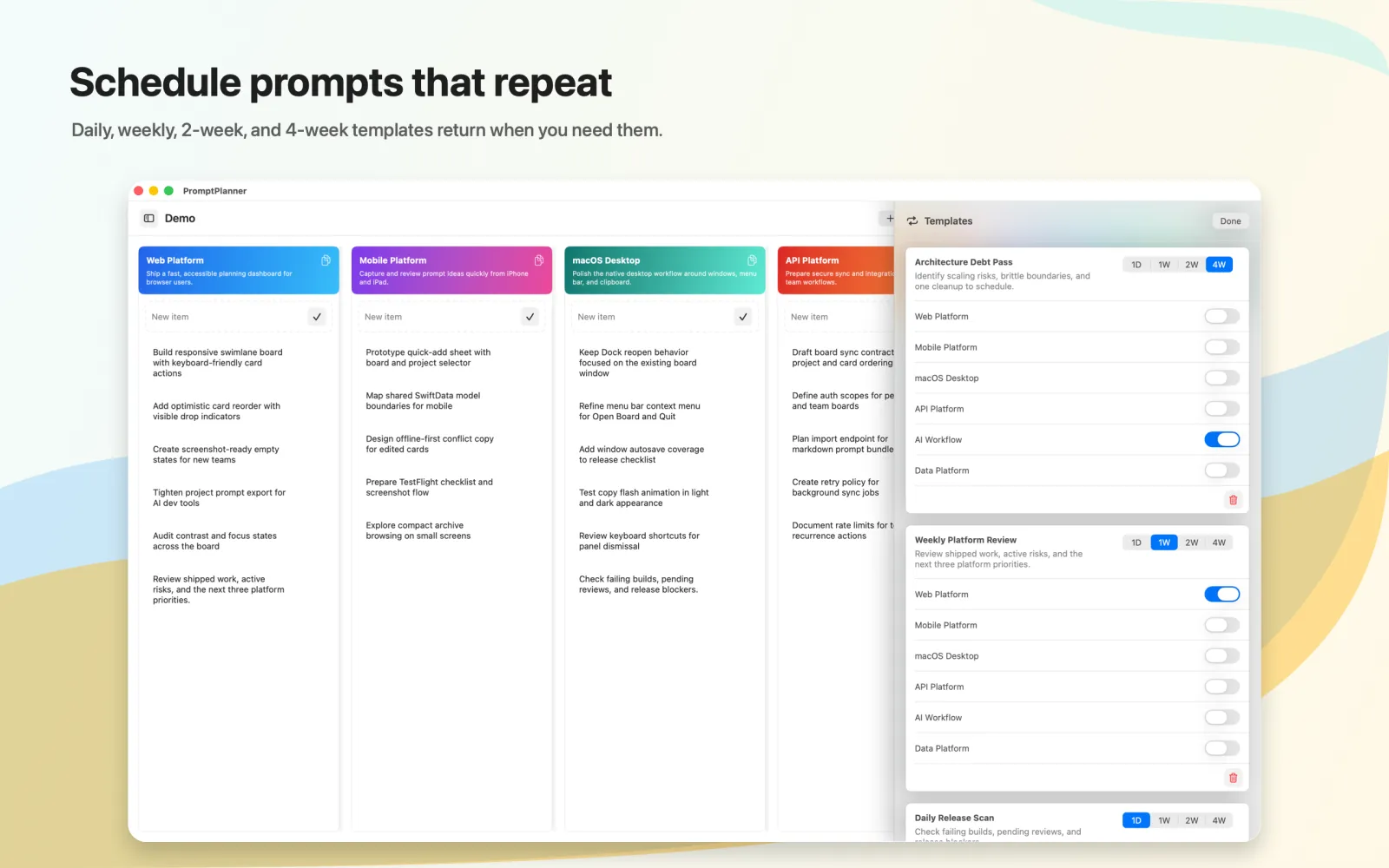
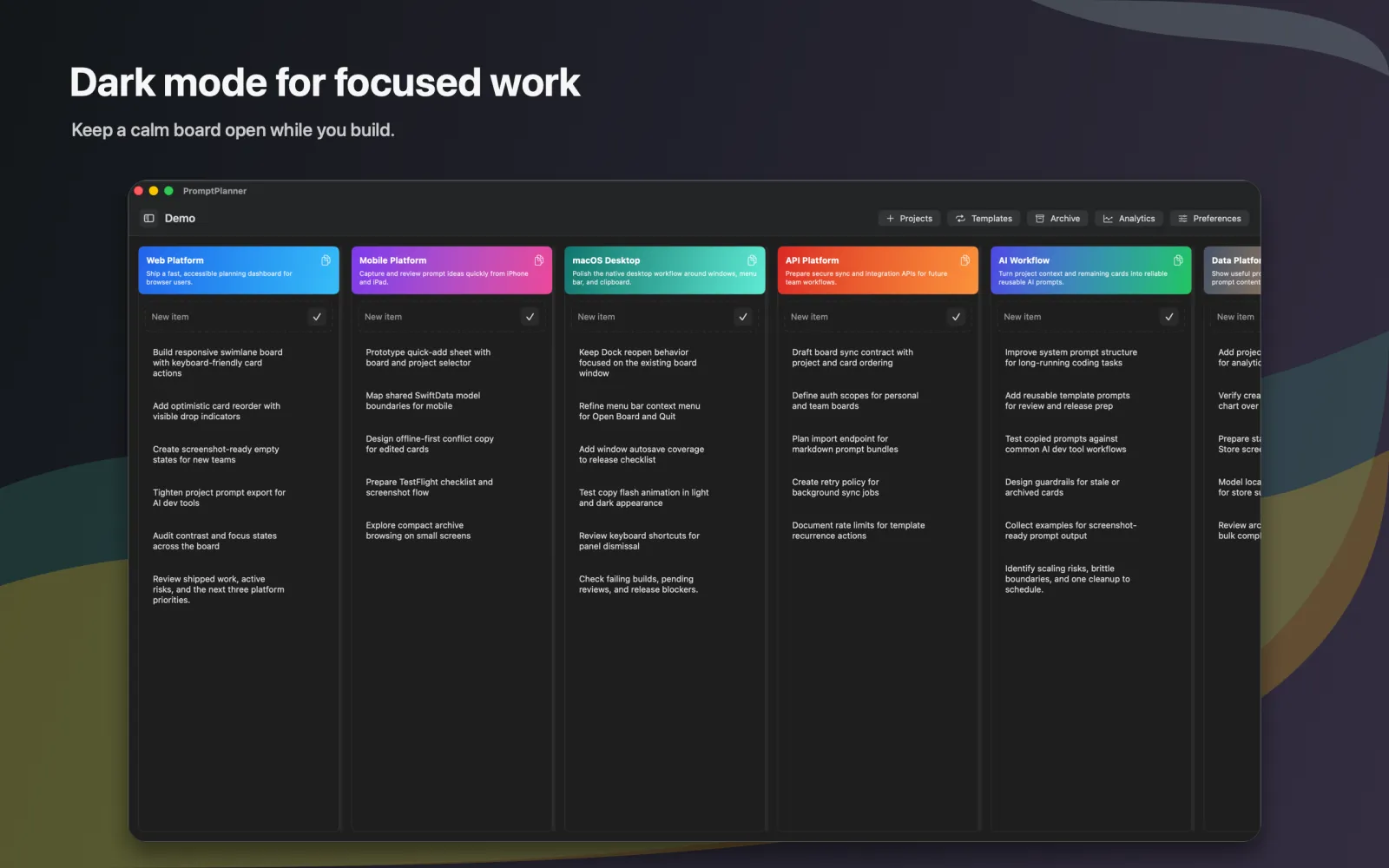
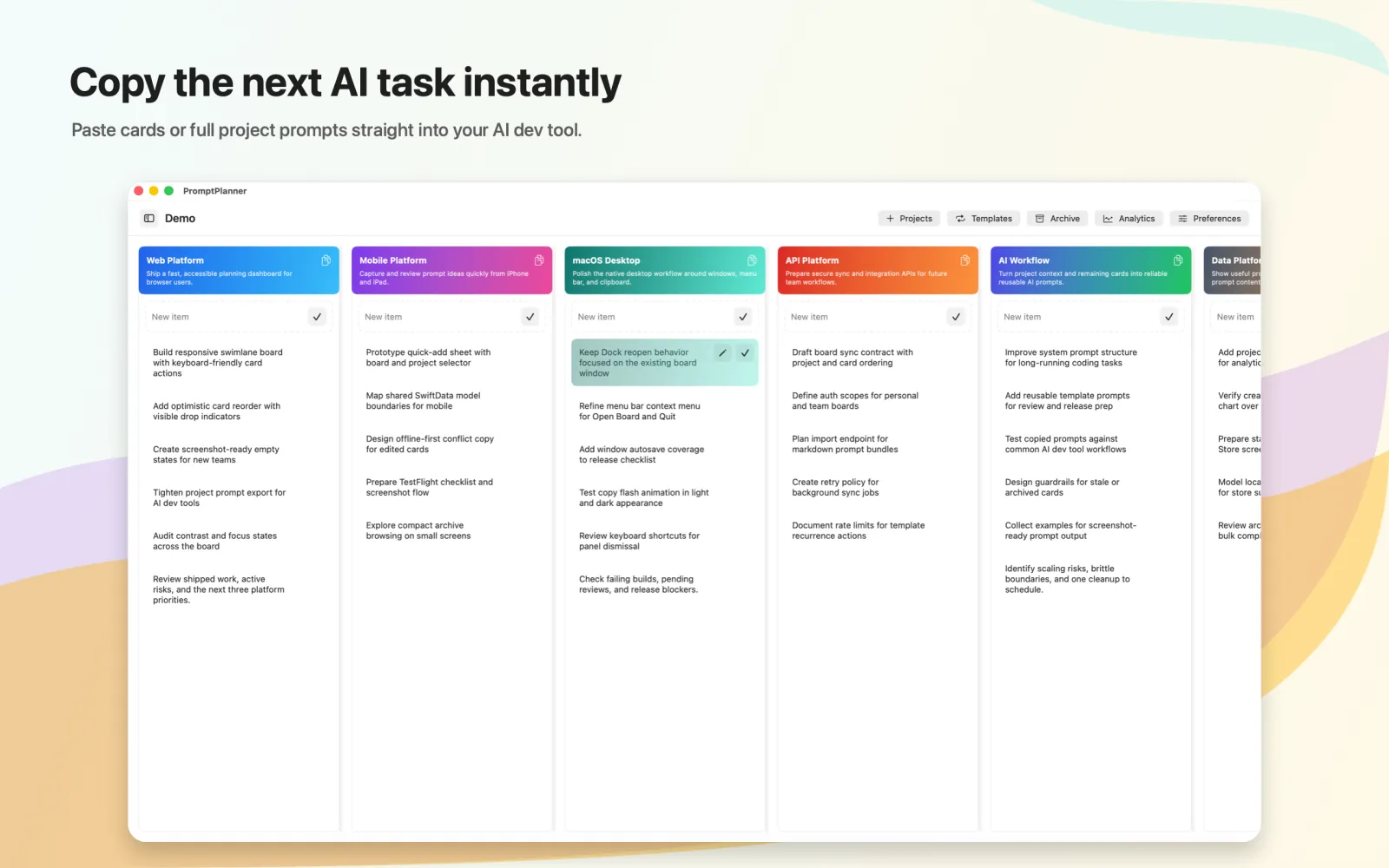
PromptPlanner is a native macOS application designed to streamline how you interact with AI tools. It transforms your notes, TODOs, recurring tasks, and project goals into structured 'prompt cards' that can be easily copied into any AI interface. With a board-and-lane layout similar to project management tools, you can organize prompts by project, context, or frequency. Schedule reusable prompt templates for daily, weekly, or custom intervals, archive completed cards to maintain a clean workspace, and monitor your prompt usage and effectiveness with built-in local analytics—all without leaving your desktop.
Key Features
Convert notes, TODOs, and project goals into reusable prompt cards
Organize prompts into boards and project lanes (Kanban-style)
Schedule recurring prompt templates (daily, weekly, custom intervals)
Archive completed or obsolete prompt cards
Track prompt usage frequency and trends with local analytics
One-click copy prompt text to clipboard
Markdown support for rich formatting in prompts
Search and filter prompts by tags, dates, or status
Dark mode and customizable board colors
Export prompts as Markdown or JSON files
Pros & Cons
Pros
- arrow_right + Lightweight and fast native Mac app
- arrow_right + Works offline with full functionality
- arrow_right + Clean Kanban-style organization
- arrow_right + Schedule prompts for recurring use
- arrow_right + Local analytics for tracking prompt performance
Cons
- arrow_right - Mac-only (no cross-platform support)
- arrow_right - No collaboration or team features
- arrow_right - Limited free tier (3 boards, 50 prompts)
- arrow_right - No API for automation yet
Pricing Details
PromptPlanner offers a free tier with core features (up to 3 boards and 50 prompts). The Pro subscription ($4.99/month or $49.99/year) unlocks unlimited boards and prompts, advanced analytics, and priority support. No credit card required for trial.
FAQ
Is PromptPlanner available on Windows or Linux?
expand_moreNo, it is a native macOS app only.
Does it require an internet connection?
expand_moreCore features work offline. Cloud sync (optional) needs internet.
Can I share boards with others?
expand_moreCurrently, sharing is not supported. Boards are local or synced via iCloud per device.
Is there a free trial?
expand_moreYes, the free tier is available forever with limited boards and prompts.
How do I import existing notes?
expand_moreUse the built-in import from Apple Notes, Bear, or plain text files.
User Reviews
Share your experience
Please sign in to leave a star rating and detailed review for this tool.
No reviews yet.
Smart Alternatives & Comparison
Compare PromptPlanner side-by-side with other leading tools in the same category.
| Criteria |
PromptPlanner
This Tool
|
|||
|---|---|---|---|---|
| Overview | Turn notes and tasks into reusable prompt cards for AI tools. Organize, schedule, and track prompts locally on Mac. | Get a free personalized AI risk report for your job. Find automation risks, skill gaps, and a 30-day action plan. | Align strategy with roadmap using AI-powered prioritization. Built for product leaders who want every decision to matter. | Get an honest AI-powered analysis of your startup idea in 30 seconds. No signup needed. |
| Pricing Model | Freemium | Freemium | Freemium | Freemium |
| Community Rating |
star
0.0
(0)
|
star
0.0
(0)
|
star
0.0
(0)
|
star
0.0
(0)
|
| Developer API | cancel Not Available | cancel Not Available | cancel Not Available | cancel Not Available |
| Open Source | lock Proprietary | lock Proprietary | lock Proprietary | lock Proprietary |
| Action | Visit Web open_in_new |